
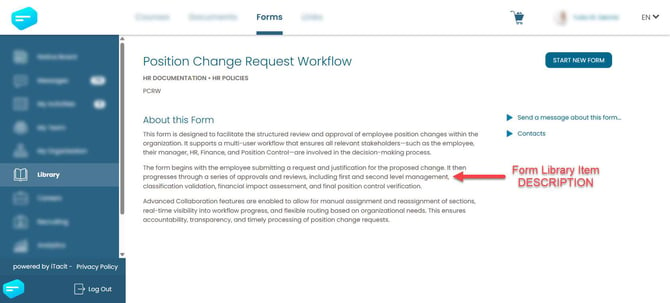
A well-written form description sets the tone for the user experience. It tells employees what the form is for, who should complete it, and what to expect, reducing confusion and support requests. Descriptions appear in the Library and My Activities, so they’re one of the first things users see. Clear, concise language helps users feel confident and informed before they even start.
Adding a Form Description
- Log in to the iTacit Admin site
- Go to Menu > Library > Form Library Items
- Select the Library Item you want to edit
- Open the Form Library Item
- Locate the Description tab
- Enter a clear Description
- Click Apply to save the description
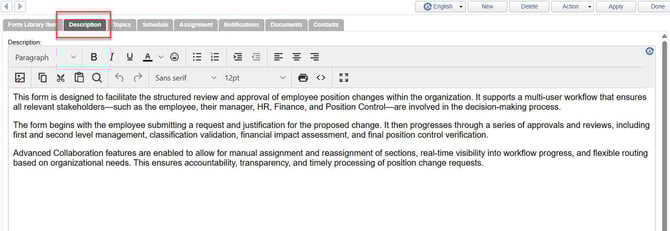
Use this space to explain:
-
The purpose of the form
-
Who should complete it
-
What happens after submission
-
Any special instructions or notes
Example: This form is designed to facilitate the structured review and approval of employee position changes. It supports a multi-user workflow involving the employee, manager, HR, Finance, and Position Control. Please ensure all required fields are completed before submission.