
Courses:
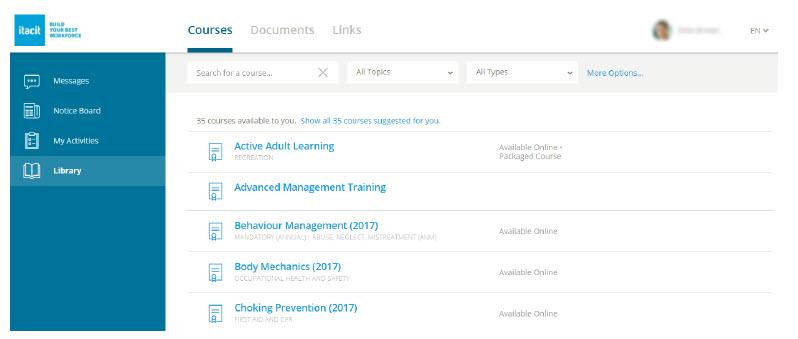
If you subscribe to our Training Module, users will be able to access targeted courses from the Library. To learn how to create and manage courses, please visit the Training and Communication section in the iTacit Support Center, accessible to your iTacit Coordinators via their Contacts, or through the launchpad menu items in their administrative tools.
When uploading content that requires digital confirmation of readership, we recommend creating an iCourse containing such documents, rather than adding it as a stand-alone Document in the Documents Library.
The course you create can be accompanied by a digital signature (single line quiz), and/or a short quiz with questions designed to demonstrate that the team member has reviewed the content.
Documents that do not require confirmation of readership can easily be placed in the Documents Library to be accessed by team members.