1. Access the Form Builder
-
Navigate to Menu > Library > Form Builder.
-
Select the form you want to update from the list.
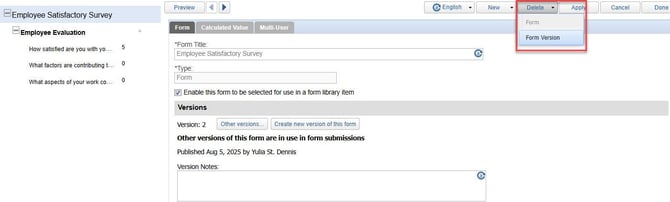
2. To remove a version, click Delete > Form Version from the version management menu.
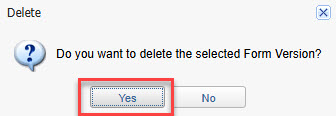
3. Click Yes to confirm the deletion of selectedform version