Updating iCourse Text:
iTacit recommends generating and modifying iCourse text within the iCourse editor itself, rather than copying and pasting pre-formatted text from an external program as the content may not appear as intended when viewed on a mobile device.
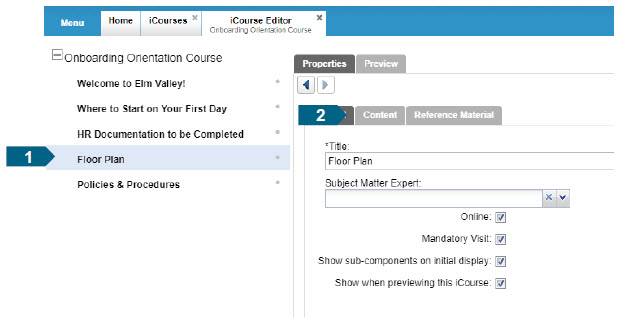
To remove all existing formatting, while retaining the original text, open the iCourse page you want to edit.
a) Click on the Content tab to view the text content.
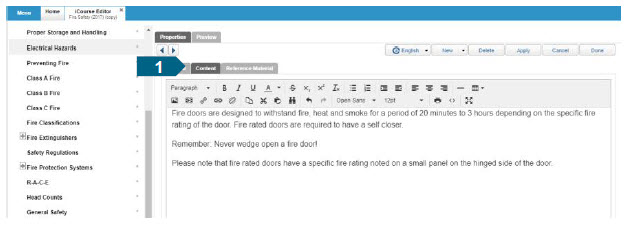
b) In the toolbar, click on the Clear Formatting button. This will remove all current formatting which can now be modified using the editing tools.

Adding Images:
a) Select the page you wish to add an image to, and click the Content tab.
b) Alternatively, create a new page, if desired, by selecting Page from the New dropdown menu. Enter the Title of your new page, and click Apply to save changes. Click on the Content tab.
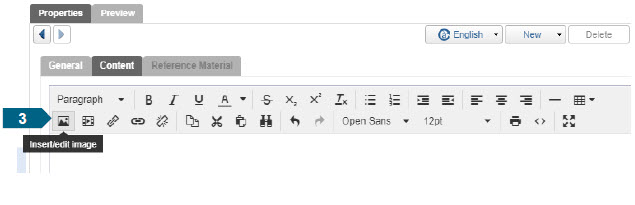
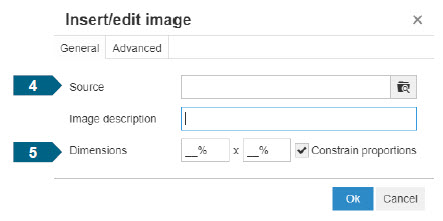
c) Click the Insert/edit Image button (image icon) in the toolbar.
d) Insert your desired image by clicking on the Source search button. From here, you can either drag-and-drop the file, or search your files.
e) Specify the Dimensions as a percentage, as this dictates the percentage of the screen that will be taken up by the image, and click Okay to confirm your selection. Click Apply again to save all changes.
f) Set the Alignment of the image using the toolbar options.

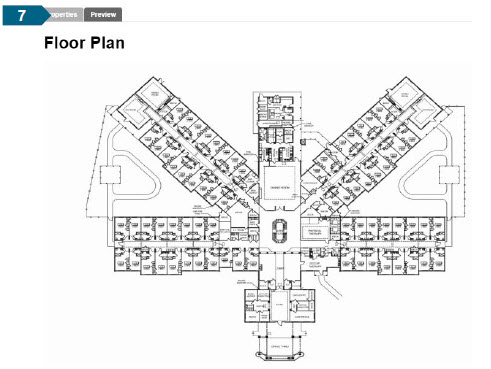
g) Lastly, Preview the content to ensure it appears how you want it to.
Positioning Images:
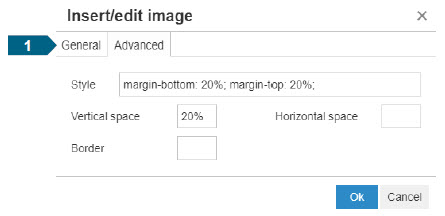
In addition to aligning your image, you have the option to modify the positioning even further using the options under the Advanced tab. To do this:
a) Highlight your image, and click on the Insert/edit image button. Then, click on the Advanced tab. Here, you can specify how much white space you want to add surrounding the image.