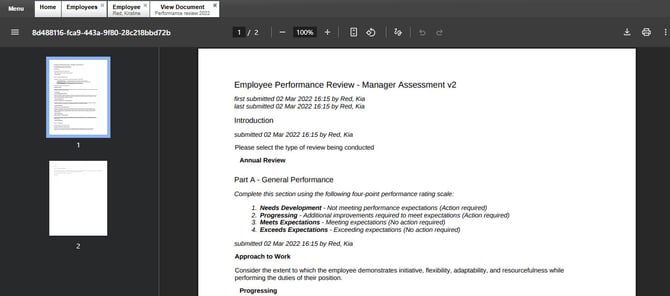
Once documents are uploaded to an employee profile, Admins with the correct permissions can view or delete them directly from the Documents tab.
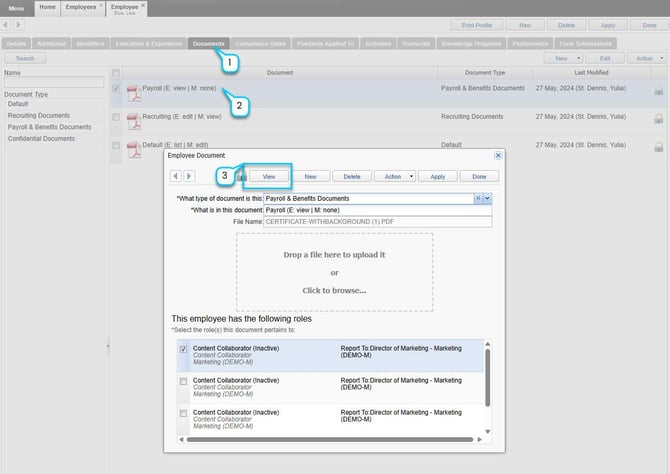
1. Navigate to Employee Manager > Employee Profile > Documents tab (for admins)
2. Locate and click on the document you want to view.
3. Click the View link next to the document name.
This opens the file in the Document Viewer. If permitted, you may also see a Download button.