1. Access the Form Builder
-
Navigate to Menu > Library > Form Builder.
-
Select the form you want to update from the list.
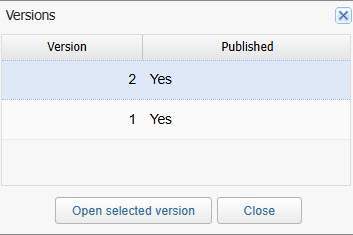
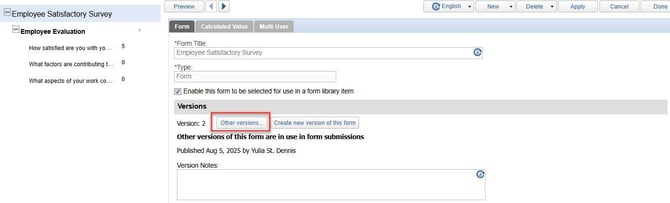
2. Click “Other versions…” to view a list of all previous versions of the form.
3. From here, you can:
-
Review older versions
-
Switch back to a previous version if needed
-
Compare changes across versions